
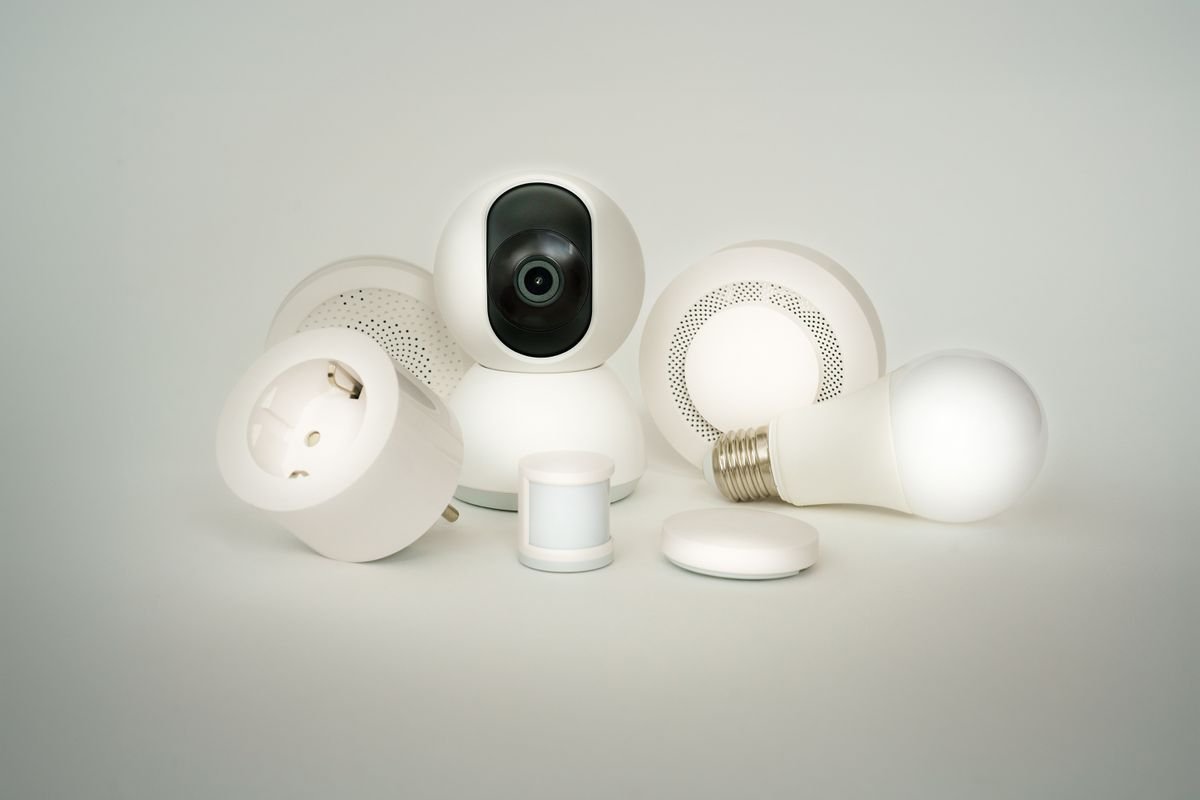
Getting into smart home gear doesn’t have to start with cameras and door locks. For most people, the actual entry point is smaller and cheaper than that — a smart plug that turns a regular lamp into something you can schedule, or a light switch that finally lets you dim the living room without an electrician visit.
What separates a good starter device from a gadget that ends up in a drawer usually comes down to three things: how it connects (Wi-Fi versus a hub-based standard like Matter), whether it plays nice with the voice assistant you already use, and whether the app is something you’ll actually open more than once. None of these five need a hub or a subscription to get going.
We picked five that cover the common starting points. Eve’s Matter-enabled outlet leans into the newer smart home standard with real energy monitoring. Kasa’s HS103P4 is about as plug-and-play as this category gets. Kasa’s power strip solves the “too many devices, not enough outlets” problem in one unit. Lutron’s Caseta switch handles lighting instead of outlets. And Kasa’s Mini 15A trades a few features for a smaller footprint. Between the five, there’s a reasonable starting point for almost any room.
1. Eve Energy Outlet (Matter)
Specifications
| Spec | Detail |
| Brand | Eve |
| Color | Black |
| Dimensions | 3″D x 5″W x 3″H |
| Material | Polycarbonate |
| Connector Type | Wired |
| Protocol | Matter, Apple HomeKit |
What Makes It Worth Considering
Most smart plugs lock you into one app and one ecosystem. Eve’s outlet is built on Matter, the newer cross-platform standard, so it isn’t tied to a single voice assistant the way older Wi-Fi-only plugs are. It also tracks actual energy usage per device, not just on/off state.
What stands out on the spec sheet:
- Matter and HomeKit compatible. Not locked into a single smart home ecosystem the way many budget plugs are.
- Real energy monitoring. Tracks how much power the connected device actually draws, not just whether it’s on or off.
- Wired connector design. A more permanent-feeling install than a plug-in adapter, built into a compact black housing.
- Durable polycarbonate housing. Built to hold up to everyday use without feeling flimsy.
Pros and Cons
Pros:
- Matter support means it isn’t locked to one ecosystem
- Real per-device energy monitoring
- Compact, sturdy build
Cons:
- Wired install is less plug-and-play than a standard outlet adapter
Where It Fits Among Other Options
If avoiding ecosystem lock-in matters to you — say, you’re not sure yet whether you’ll end up on Alexa, Google, or Apple’s setup — starting with a Matter device like this one keeps that door open longer than the Wi-Fi-only plugs elsewhere on this list.
Frequently Asked Questions
What is Matter? A shared smart home standard meant to work across Alexa, Google Home, and Apple HomeKit without needing separate device versions for each.
Does it track energy use? Yes — it monitors actual power draw from whatever’s plugged into it, not just on/off status.
Is installation difficult? It uses a wired connector rather than a simple plug-in design, so it’s a slightly more involved install than a standard smart plug.
Conclusion
For anyone who wants to start smart-home shopping without committing to one voice assistant forever, the Eve Energy Outlet’s Matter support is the reason to consider it over a cheaper Wi-Fi-only plug.
2. Kasa Smart Plug HS103P4
Specifications
| Spec | Detail |
| Brand | Kasa Smart (TP-Link) |
| Pack Size | 4-pack |
| Dimensions | 1.5″D x 2.62″W x 1.57″H |
| Material | Silicone |
| Connector Type | Plug-in |
| Voice Control | Alexa, Google Assistant |
What Actually Stands Out Here
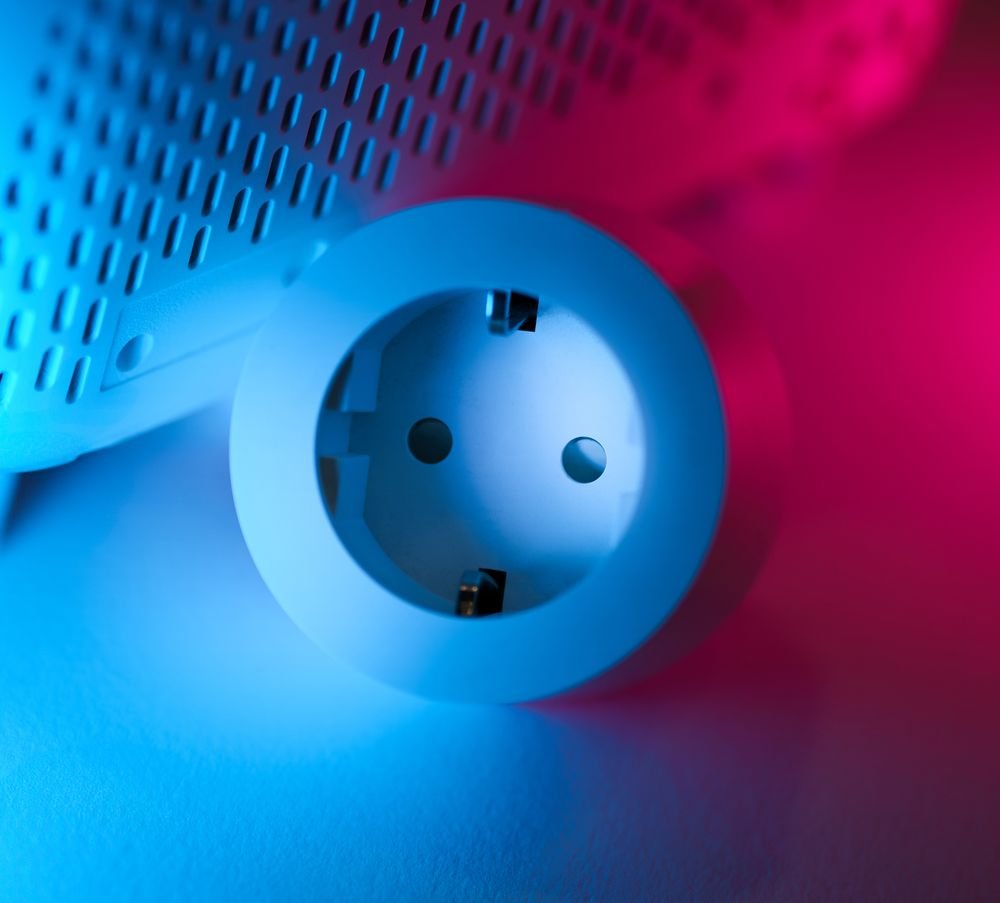
This is the plug-and-play option on this list. It’s a 4-pack, which matters more than it sounds — most households need at least a couple of these to be useful, and buying four at once is simpler than restocking one at a time.
Worth knowing before buying:
- Comes as a 4-pack. Enough to cover several rooms from a single purchase.
- Voice control built in. Works with Alexa and Google Assistant out of the box.
- Scheduling support. Set on/off times through the Kasa app instead of manually toggling devices.
- Compact plug-in design. No wiring involved — plug it in and connect through the app.
Pros and Cons
Pros:
- 4-pack covers multiple rooms from one purchase
- Works with Alexa and Google Assistant
- Simple plug-in setup, no wiring
- Scheduling built into the app
Cons:
- No per-device energy monitoring the way the Eve outlet offers
Why This One Ranks Where It Does
For a genuine first smart home purchase, this is the easiest starting point on the list — plug it in, connect the app, and it works with the voice assistant most households already have set up. The 4-pack also means you’re not stuck buying one at a time as you figure out where you actually want them.
Frequently Asked Questions
Does it work with Alexa and Google Assistant? Yes, both are supported out of the box.
Can I schedule devices to turn on and off? Yes, scheduling is set through the Kasa app.
How many do I get in one purchase? It comes as a 4-pack.
Conclusion
If this is the first smart plug in the house, the HS103P4’s simple setup and 4-pack value make it the easiest entry point on this list.
3. Kasa Smart Plug Power Strip
Specifications
| Spec | Detail |
| Brand | Kasa Smart (TP-Link) |
| Color | White |
| Outlets | 9 total |
| Voltage | 125 Volts |
| Extras | Surge protection, USB ports, on/off switch |
What Sets This One Apart
A single smart plug only controls one device. This power strip controls nine outlets individually, which matters a lot for entertainment centers, home offices, or anywhere with more gadgets than wall outlets.
What else it brings to the table:
- 9 individually controlled outlets. Turn devices on or off one at a time instead of all-or-nothing.
- Surge protection built in. Adds a layer of protection a basic plug doesn’t have.
- USB charging ports. Charge phones and small electronics without needing a separate adapter.
- Physical on/off switch. A manual override alongside the app control.
Pros and Cons
Pros:
- Nine individually controllable outlets
- Built-in surge protection
- USB ports included for direct device charging
- Physical switch as a manual backup
Cons:
- Bigger footprint than a single smart plug — needs more space behind furniture or a desk
Why This One Ranks Where It Does
For a room with more devices than outlets — a home office, an entertainment center, a desk setup — this solves a different problem than the single plugs above. Nine individually controlled outlets plus surge protection covers a lot more ground than buying several single plugs separately.
Frequently Asked Questions
Can each outlet be controlled separately? Yes, all nine outlets can be turned on or off individually through the app.
Does it protect against power surges? Yes, surge protection is built in.
Are there USB ports? Yes, for charging phones and small devices directly.
Conclusion
For anyone drowning in cables behind a desk or entertainment center, this power strip covers more ground than a handful of individual smart plugs would.
4. Lutron Caseta Smart Lighting
Specifications
| Spec | Detail |
| Brand | Lutron |
| Operation Mode | On-Dim-Off |
| Current Rating | 1.25 Amps |
| Voltage | 120 Volts |
| Circuit Type | 3-way |
| Dimensions | 1.13″ x 2.93″ x 4.69″ |
| Contact Material | Brass |
What Makes This a Strong Pick
Every other product on this list controls an outlet. This one controls the actual lighting circuit, with real dimming rather than just on/off. The 3-way circuit support also means it can replace switches in rooms with two separate light switches for the same fixture.
What matters most in the spec sheet:
- True dimming, not just on/off. A meaningful step up from a smart plug controlling a lamp.
- 3-way circuit support. Works in rooms with two physical switches controlling the same light.
- Compact in-wall install. Replaces an existing switch rather than plugging into an outlet.
- Brass contacts. Built for a reliable, long-term electrical connection.
Pros and Cons
Pros:
- Real dimming control, not just on/off
- Works with 3-way switch setups
- Durable brass contacts
Cons:
- In-wall install is more involved than a plug-in smart plug — expect basic wiring work
Why This One Ranks Where It Does
If lighting is actually the goal rather than controlling outlets, this is the one on the list built for that job — real dimming and 3-way support that a smart plug simply can’t replicate.
Frequently Asked Questions
Does it actually dim, or just turn lights on and off? It supports true dimming, not just on/off control.
Can it work with two switches controlling the same light? Yes, it supports 3-way circuit setups.
Is it a plug-in device? No — it installs in-wall in place of an existing switch.
Conclusion
For lighting specifically, the Caseta switch does something none of the plugs on this list can — real dimming with 3-way support, in a compact in-wall unit.
5. Kasa Smart Plug Mini 15A
Specifications
| Spec | Detail |
| Brand | Kasa Smart (TP-Link) |
| Color | White |
| Dimensions | 2.62″D x 1.57″W x 1.5″H |
| Material | Polycarbonate |
| Connector Type | Plug-in |
What Makes It Worth Considering
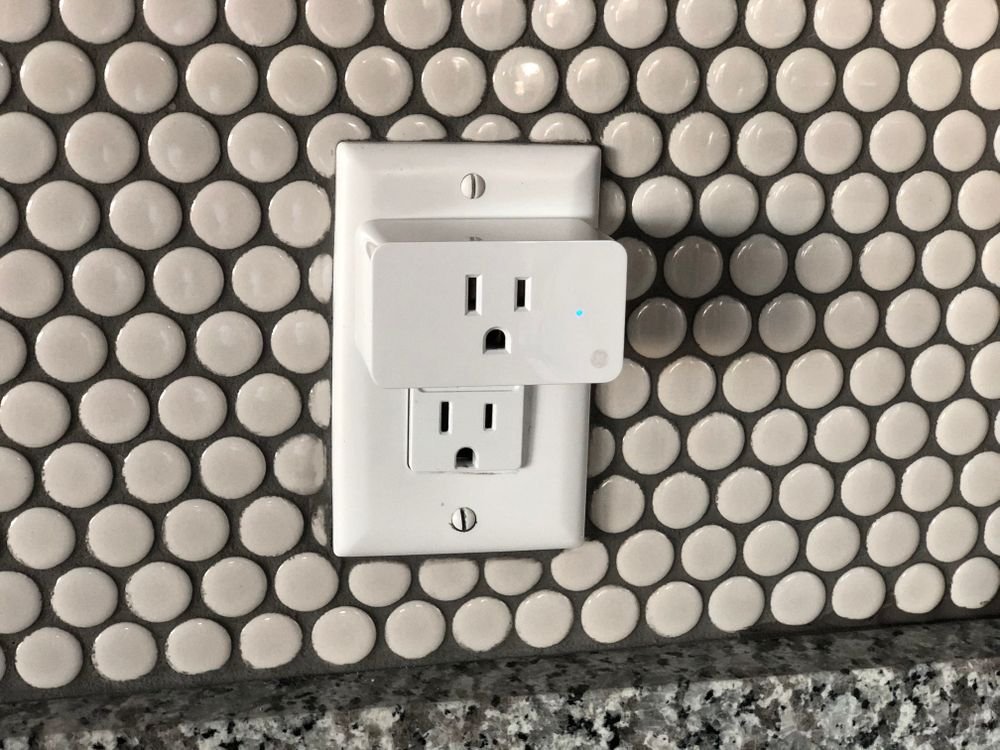
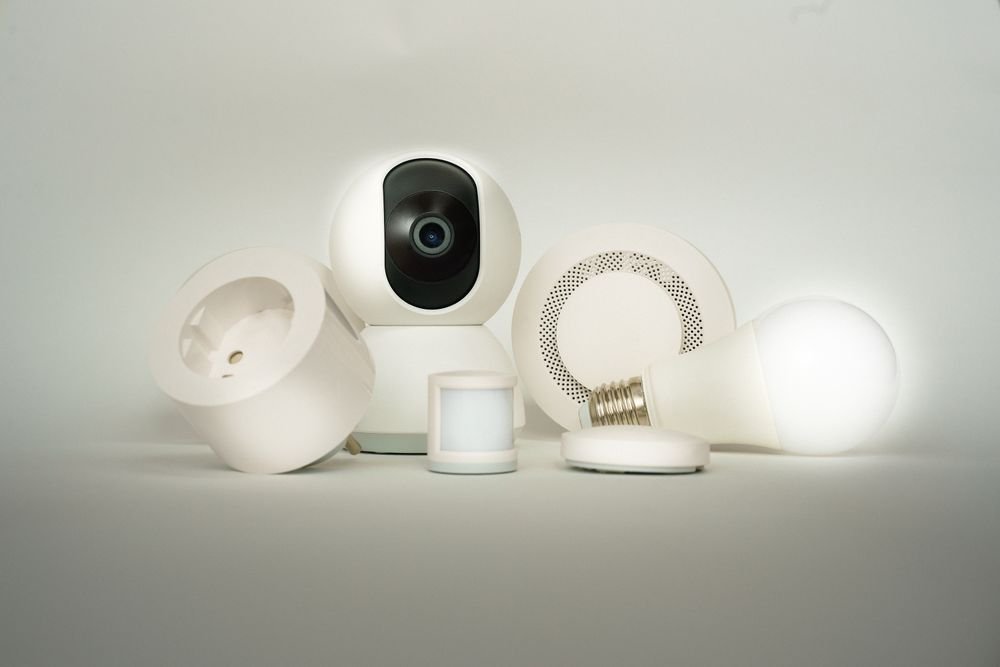
Standard smart plugs can block the second outlet on a wall socket. This Mini version is built specifically to avoid that, sized so it doesn’t cover the outlet next to it — a small detail that matters in rooms where every outlet is already spoken for.
What else it brings to the table:
- Smaller footprint than a standard smart plug. Won’t block the adjacent outlet on a two-socket wall plate.
- Simple plug-in setup. No wiring, connect through the app and it’s ready.
- Durable polycarbonate build. Matches the build quality of Kasa’s other plugs in a smaller size.
Pros and Cons
Pros:
- Compact size doesn’t block the adjacent outlet
- Simple plug-in setup
- Same reliable build as Kasa’s larger plugs
Cons:
- Sold individually rather than as a multi-pack like the HS103P4
Why This One Ranks Where It Does
For outlets that are already tight on space — behind furniture, in a two-socket plate near a nightstand — the Mini’s smaller footprint solves a real problem the standard-size plugs on this list don’t address.
Frequently Asked Questions
Will it block the outlet next to it? No — it’s sized specifically to avoid covering an adjacent socket.
Does it need a hub? No, it connects directly over Wi-Fi through the Kasa app.
Does it come in a multi-pack? No, it’s sold individually.
Conclusion
For tight outlets where a standard smart plug would cover the socket next to it, the Mini 15A solves that specific problem without giving up the core smart plug features.
Best Smart Home Starter Kit: Buying Guide
None of these five devices require a hub, a subscription, or much technical setup — that’s the point of a starter kit. The differences come down to what you’re actually controlling and which ecosystem you want to stay flexible with.
Ecosystem flexibility should be the first thing you check if you haven’t settled on Alexa, Google, or Apple yet. The Eve Energy Outlet’s Matter support keeps more doors open than the Wi-Fi-only Kasa plugs, which still work well but commit you more to their own app ecosystem.
What you’re actually controlling matters more than it seems. A lamp or space heater just needs a basic plug like the HS103P4 or Mini 15A. A room full of electronics needs the Power Strip’s nine individually controlled outlets. Actual room lighting needs the Caseta switch — a plug can’t dim a hardwired ceiling fixture.
Physical space around the outlet decides whether the Mini 15A’s smaller footprint matters. If nothing else is sharing that outlet, a standard-size plug is fine — if it’s a shared two-socket plate, the Mini avoids blocking the second slot.
In short: pick based on what you’re actually controlling first, then let ecosystem preference and physical space narrow it down from there.
Once the outlets and lighting are covered, our guide to the best air purifiers for allergies is a natural next stop for rounding out the rest of the room.